-
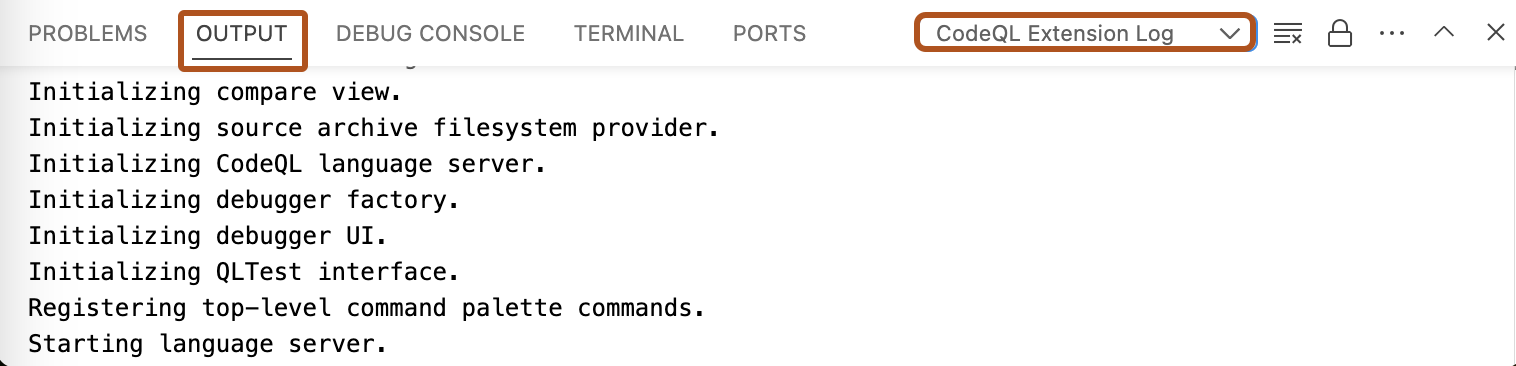
In Visual Studio Code, open the "Output" window.
-
Use the dropdown to select the log view you need. For example, "CodeQL Extension Log".
此版本的 GitHub Enterprise Server 将于以下日期停止服务 2026-04-09. 即使针对重大安全问题,也不会发布补丁。 为了获得更好的性能、更高的安全性和新功能,请升级到最新版本的 GitHub Enterprise。 如需升级帮助,请联系 GitHub Enterprise 支持。
Accessing logs for CodeQL in Visual Studio Code
If you need to troubleshoot problems with CodeQL for Visual Studio Code, there are several logs you can access.
