-
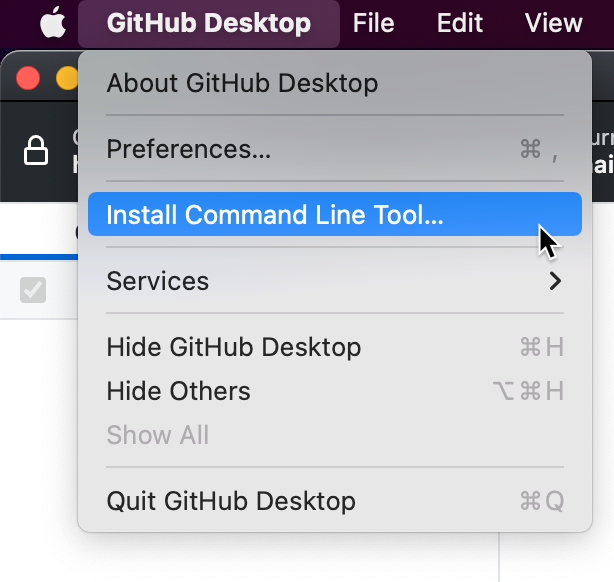
In the menu bar, select the GitHub Desktop menu, then click Install Command Line Tool.
-
Open Terminal.
-
To launch GitHub Desktop to the last opened repository, type
github. To launch GitHub Desktop for a particular repository, typegithubfollowed by the path to the repository.github /PATH/TO/REPOYou can also change to your repository path and then type
github .to open that repository.$ cd /PATH/TO/REPO [repo]$ github .

-
Open a command prompt.
-
To launch GitHub Desktop to the last opened repository, type
github. To launch GitHub Desktop for a particular repository, typegithubfollowed by the path to the repository.C:\Users\octocat> github PATH\TO\REPOYou can also change to your repository path and then type
github .to open that repository.C:\Users\octocat> cd REPO\MY-REPO C:\Users\octocat\repo\myrepo> github .