-
In the upper-right corner of any page on GitHub, click your profile picture, then click Settings.
-
In the "Security" section of the sidebar, click Code security.
-
Under "User", to the right of "Push protection for yourself", update your settings.
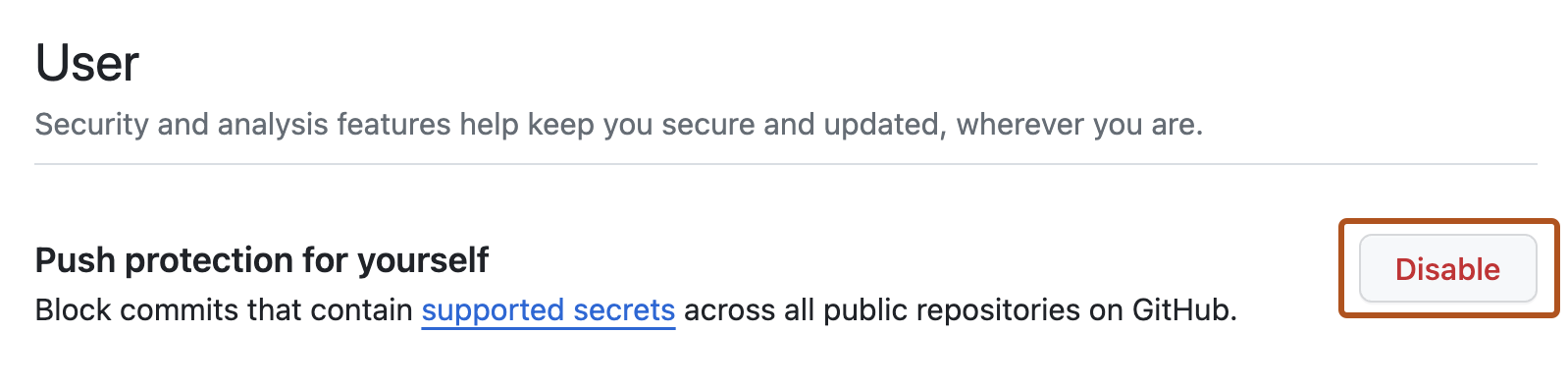
Managing push protection for users
You can control GitHub's ability to block your pushes that may contain secrets.
